

Choosing the right ethernet cable can be confusing, especially with so many types of ethernet cables available. Each type, from Cat5e to Cat8, can offer a different speed and performance level for various uses.
Ethernet cable categories follow performance rules shaped by IEEE 802.3. However, the label on the box doesn’t always tell the whole story. This guide explains what each cable type actually means, and which tradeoffs matter in a home, office, or rack. Keep reading to make the right choice for your setup!
Key Takeaways
- Ethernet cables range from Cat5e to Cat8, with speeds from 1 Gbps (Cat5e) to 25-40 Gbps (Cat8).
- Cat6 and higher handle advanced tasks like gaming, streaming, and office networks with higher bandwidth (MHz) up to 2000 MHz.
- Shielded cables like Cat7 and Cat8 reduce interference, making them ideal for high-speed servers or professional setups.
- Cable length affects speed, and most support max speed up to 328 ft except Cat8, which is limited to 98 ft.
- For future-proofing, choose newer categories like Cat7 or Cat8 if you plan upgrades or need faster connections later.
The Many Types of Ethernet Cables
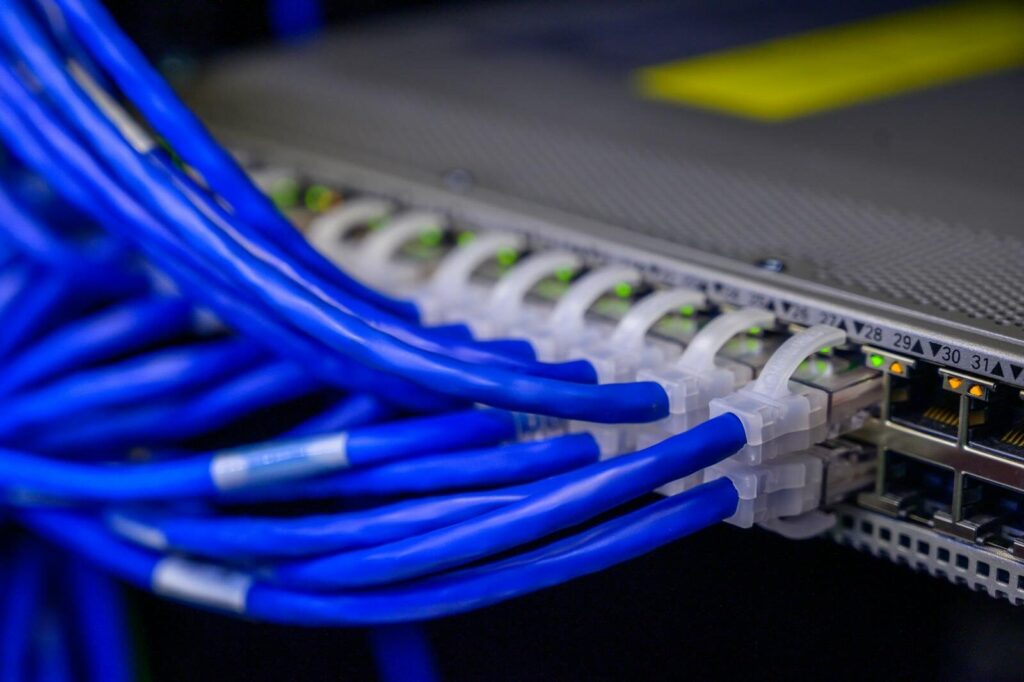
The type of cable can be broken into three different types. The first is its category rating, for example, Cat5e, Cat6, or Cat6a. The second is the physical construction, and the third is its shielding design such as UTP or FTP. A cable can fall into the same category as another cable, yet behave differently during installation and performance.
The most common Ethernet cable uses twisted pair copper. This is where each pair is wound to minimize interference and preserve signal quality. Under TIA/EIA-568 structured cabling rules, performance depends on the full channel, not just the cable spool. This means poor patch cords can erase the advantage of a higher category.
Key Specs You’ll See on a Cable Jacket
A cable jacket rating usually lists the category, conductor size in AWG, and fire rating (CM, CMR, or CMP). Those markings reveal whether the cable is suitable for a wall cavity, riser path, or plenum space. They often matter more for safety compliance than raw speed.
Shielding codes also appear on better cable. U/UTP represents unshielded pairs with no overall foil. F/UTP means overall foil with unshielded pairs. U/FTP means there is foil on each pair, and S/FTP adds braid plus pair shielding.
If you are terminating into a keystone jack, the shielding design affects connector choice, grounding method, and cable thickness.
You may also see 23 AWG or 24 AWG. This signals conductor thickness and often hints at intended use. Thicker conductors usually help with PoE. A cable marketed for 2.5GBase-T should still be judged by copper quality and verified compliance.
The 100-Meter Rule
The standard ethernet planning assumption is a 100-meter channel. This is typically 90 meters of permanent link plus 10 meters of patching. That rule lets designers predict whether a link will meet spec before any walls are completed and equipment is installed.
Higher speeds can tighten the margin, especially with older categories or noisy environments. For example, 10GBase-T often reaches full distance on Cat6a but may require shorter runs on Cat6. A 5GBase-T can often work comfortably over existing quality copper where 10G cannot.
Cat5e: The Budget Workhorse for Gigabit
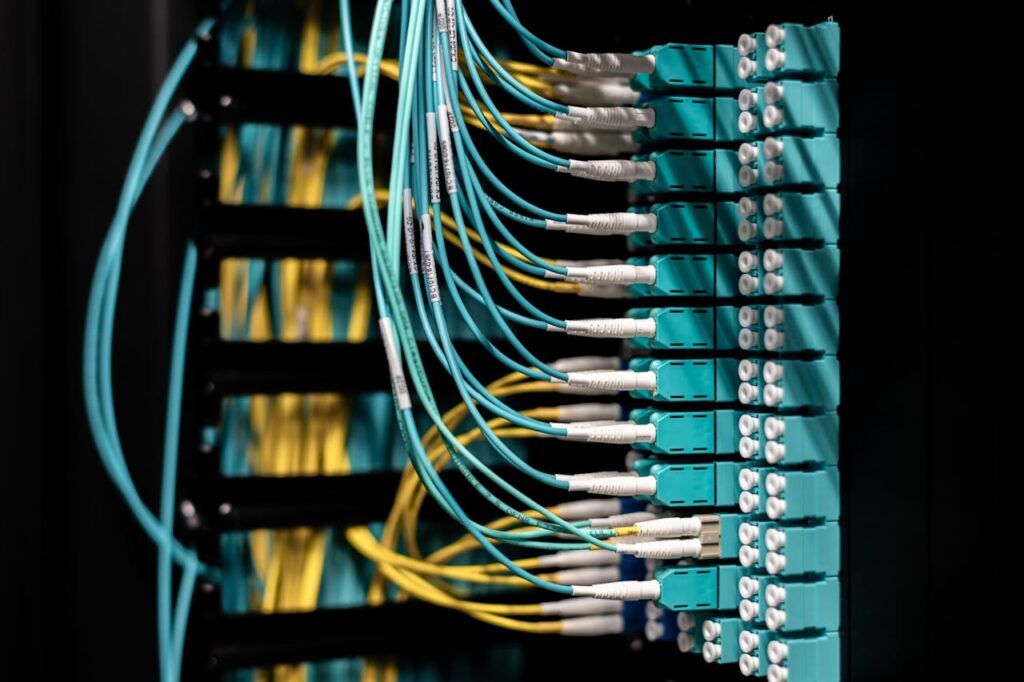
Cat5e remains the most cost-effective choice for stable Gigabit Ethernet in homes and many small offices. A router, desktop, printer, or IP camera running at 1 Gbps, Cat5e usually delivers all the throughput the endpoint can use.
A properly made Cat5e link supports 1 Gbps to 100 meters and can sometimes handle 2.5G or even 5G over shorter, cleaner runs. That flexibility makes Cat5e more capable than its budget reputation suggests. However, the margin is thinner than Cat6 when terminations, bundles, or interference are less than ideal.
Cat5e is easy to pull, flexible in patching, and widely available from reputable brands. This makes it easier to terminate cleanly than thicker cable. This means non-experts usually get better results from Cat5e than from premium cable installed poorly.
Cat6: A Smart Default for New Runs
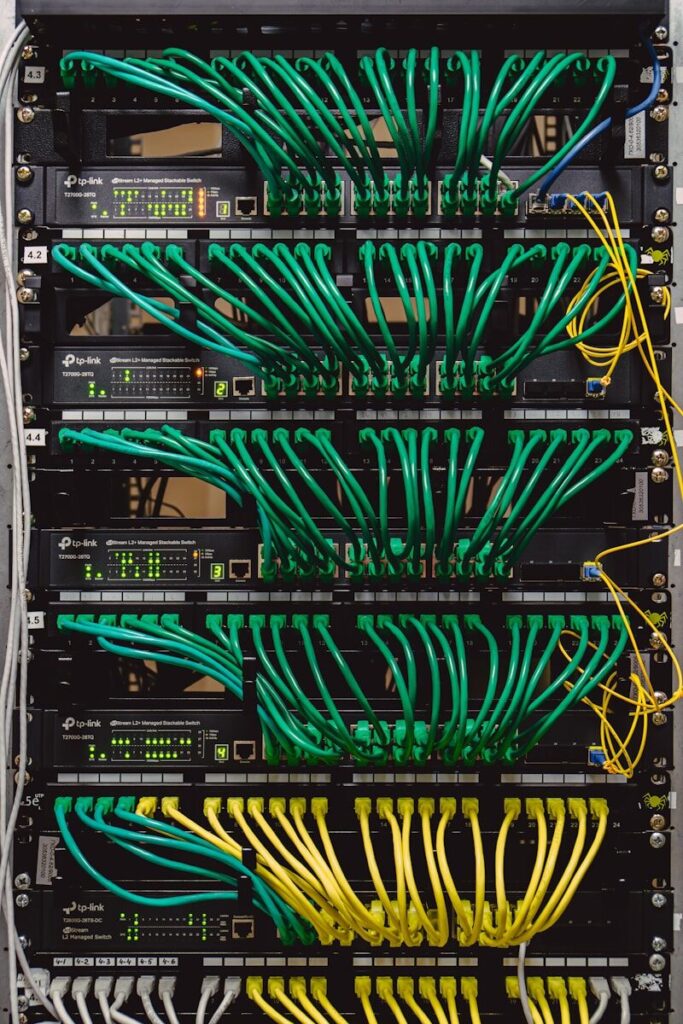
Cat6 is often the best default for new structured cabling. It improves electrical performance without the installation penalties of Cat6a. For many homes and small businesses, Cat6 is at the practical center of the market. It allow enough headroom for future upgrades, without paying rack-grade prices for every wall drop.
Its design usually includes tighter twists and sometimes a central spline that separates pairs to reduce near-end crosstalk. That construction gives Cat6 better signal integrity than Cat5e in denser bundles. This matters when several links feed a switch, a NAS corner, or multiple ceiling devices.
Cat6 supports 1 Gbps to 100 meters. It commonly supports 10GBase-T up to about 55 meters, depending on cable quality and environment. That means Cat6 is excellent for many room-to-room runs. However, it should not be treated as guaranteed 10 GbE at full structured-cabling distance.
Cat6a: The Safe Choice for 10 GbE at 100 Meters
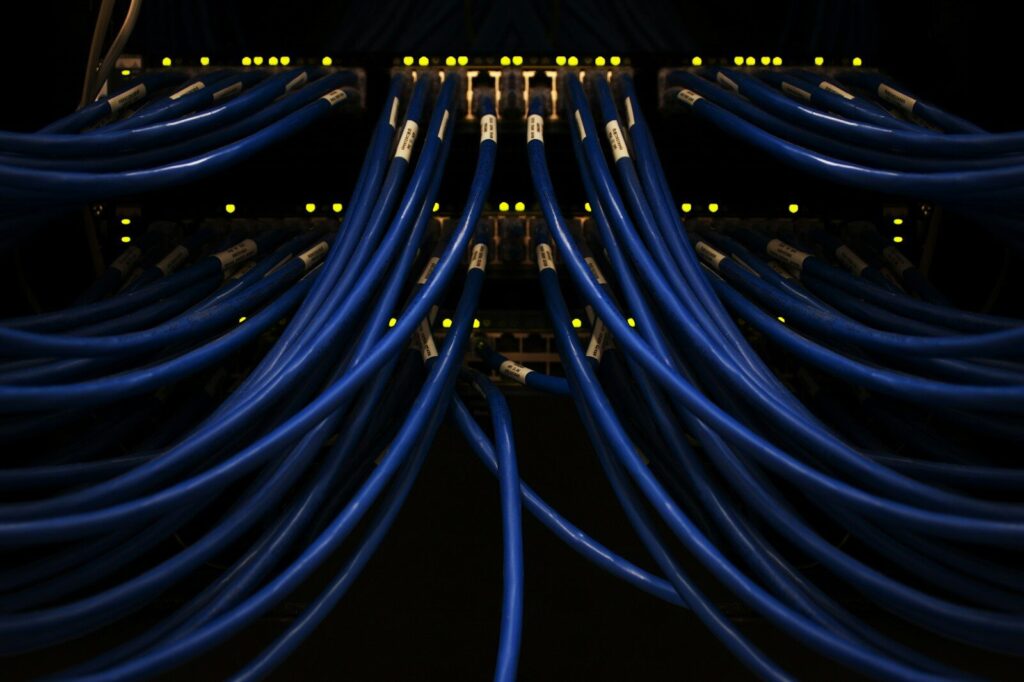
Cat6a is the category most people should choose when they want reliable 10 GbE over standard building distances. Its value is predictable 10GBase-T performance across the full 100-meter channel when the installation follows spec.
Compared with Cat6, Cat6a is thicker, less flexible, and more demanding about bend radius. Those tradeoffs buy lower alien crosstalk and stronger performance in bundles. This is why Cat6a is common in offices, small server rooms, and serious home labs.
Multimode fiber cables provide high data transmission speed for short-to-medium distances. Single-mode fiber is better for longer distances.
Cat6a makes the most sense for in-wall runs that are expensive to replace later. If you’re wiring a house once or feeding multiple Wi-Fi access point locations, this is important to know. Cat6a reduces the chance that cabling becomes the limiting factor.
Cat8: Short-Run High-Speed for Racks
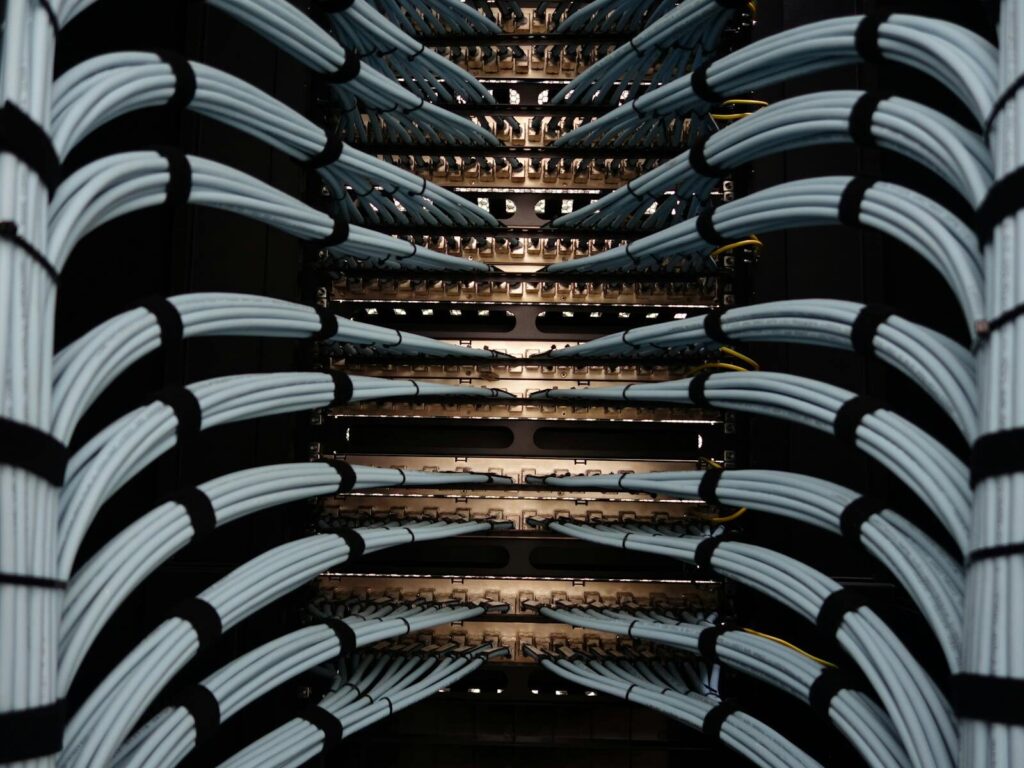
Engineers designed Cat8 for short, high-performance solid copper links, not for general house wiring. Its strongest use case is rack-to-rack or within-rack patching. This can be done between a switch, server, and storage gear. In these areas, distances are short and performance targets are high.
Depending on the standard and hardware, Cat8 can support 25G or 40G over runs commonly up to about 30 meters. That sounds impressive, but most consumer and small-business equipment still tops out at 1G, 2.5G, 5G, or 10G. Cat8 often solves a problem the network does not actually have.
Its heavy shielding and thick build can help in dense rack environments with substantial electrical noise. Outside that context, Cat8 usually increases cost and stiffness without improving user-visible results. This makes it a poor substitute for well-installed Cat6 or Cat6a.
Shielding and Cable Construction Types (UTP, FTP, STP)
Shielding affects how a cable resists electromagnetic interference (EMI), but it’s not automatically better in every building. U/UTP is the standard unshielded design for most homes and offices. Shielded cable variants such as FTP and STP are useful near motors, fluorescent ballasts, industrial controls, or large power runs.
The code tells you where the shield sits. F/UTP wraps foil around the whole cable, U/FTP shields each pair, and S/FTP combines braid and foil for strong noise rejection. This is valuable in harsh environments.
Grounding is the hidden cost of shielded systems. A shielded cable that is terminated poorly or connected to mismatched components can create more problems than it solves. Shielded designs should be selected as a system-level choice, not promoted as a marketing add-on.
Connectors, Formats, and Network Cable Types
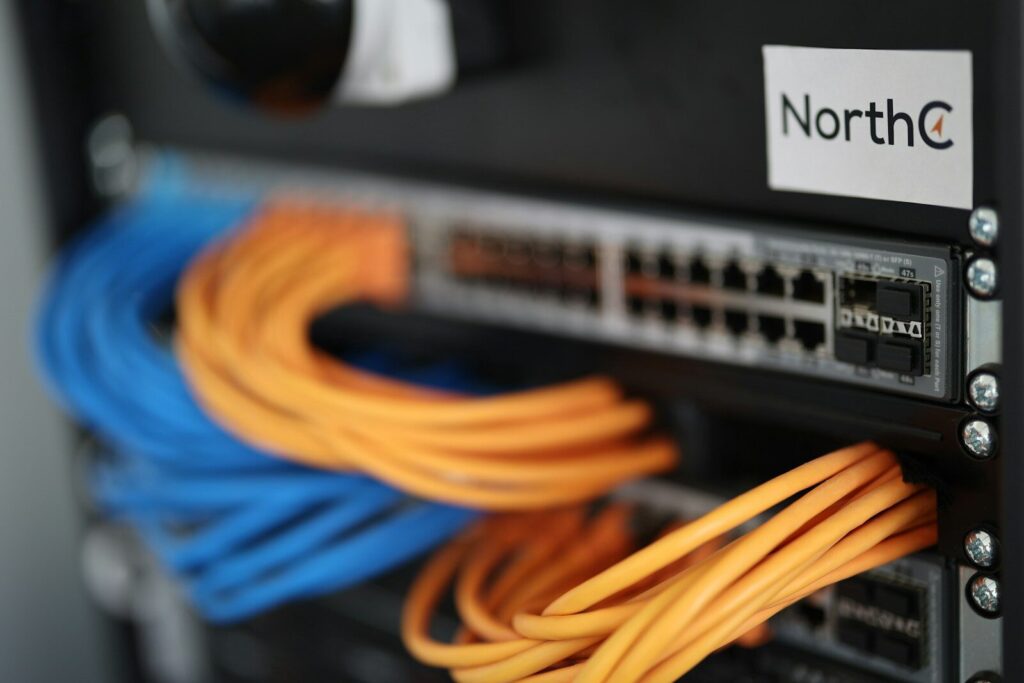
Most Ethernet copper links use the connector commonly called RJ45, though the precise modular plug format is 8P8C. T568A and T568B are the codes used for wiring eight-position plugs. That connector ecosystem includes keystones, couplers, boots, patch panels, and field plugs. Each component can either preserve or undermine the performance of the cable behind it.
People also use network cable types including twisted pair, coaxial cable, fiber optic cable, and legacy telephone-style copper. Category labels apply to twisted-pair Ethernet copper, not to fiber uplinks or broadband coax installations.
Coaxial and Fiber: Where They Fit Today
Coaxial is not a normal choice for modern Ethernet LAN cabling. However, it still appears in legacy networking history and current broadband delivery. Fiber is now standard for uplinks, inter-building runs, and higher-capacity backbone links. It can fill in when copper distance limits become restrictive.
Patch Cables vs Bulk Cable
A patch cable is designed for flexible device-to-switch connections. Bulk cable is intended for permanent runs terminated into jacks or patch panels. Mixing bargain-bin patch cords into an otherwise high-spec channel is a common reason certified cabling performs below expectation.
Get The Right Cables For Your Setup
Ethernet cables, from Cat5e to Cat8, offer different speeds and features. Each type works best for specific tasks like gaming, streaming, or heavy data transfer. Think about your network’s needs, speed requirements before picking the right one for your setup.
The right cable can improve your connection and make networks run smoother. Now you’re ready to choose the perfect cable for your devices! Still feeling lost? WaTech in Auburn Hills, MI has the systems and experience to get your business streamlined fast! Message us with your business needs today!
FAQs
Popular category types include Cat5e, Cat6, Cat6a, and Cat8. You can also classify Ethernet cables by shielding types like foil shield, or a shielded twisted pair. This also includes UTP, FTP, or STP. By construction is another way, these include solid versus stranded.
Other options include outdoor-rated cables (UV-resistant jacket), riser cables, and plenum cables. Keep a cable tester on hand to ensure no cables are broken.
Usually yes. Most home networks run at 1G, 2.5G, or 10G, where Cat6 or Cat6a is usually the better value and easier to install.
A common grouping is twisted pair, coaxial, fiber optic, and legacy telephone-style copper. For modern LANs, twisted pair and fiber are the most relevant.
Cat6 is generally better for new installs because it offers more headroom and improved crosstalk control. It’s more efficient for PoE+ devices. Cat5, and more often Cat5e, can still perform well for basic Gigabit networking (1 Gbe).