

A desk covered in charging cords, display cables, and power bricks can quickly become complicated and difficult to use. For most people, the best cable management solution aligns with their space, the equipment, and their setup.
In this post, we’ll explain why an effective cable layout is important. You’ll learn how to assess your space, as well as how to build a system that is safe and organized.
Key Takeaways
- Good desk cable management prevents tripping, overheating, and wire damage. It keeps your setup safe and efficient.
- Tools like zip ties, adhesive cable clips, under-desk trays, and velcro straps make organizing easy.
- Labeling cables with tags simplifies maintenance and helps you identify wires quickly.
- Products like cable organizers or wall raceways hide cords while improving durability and airflow around devices. Heat management is essential to keeping a safe setup, as well as preventing circuit overload.
- Solutions like cable tags, desktop cord organizers, reusable cable ties, and organizers work well for desks.
Why Cable Management Matters
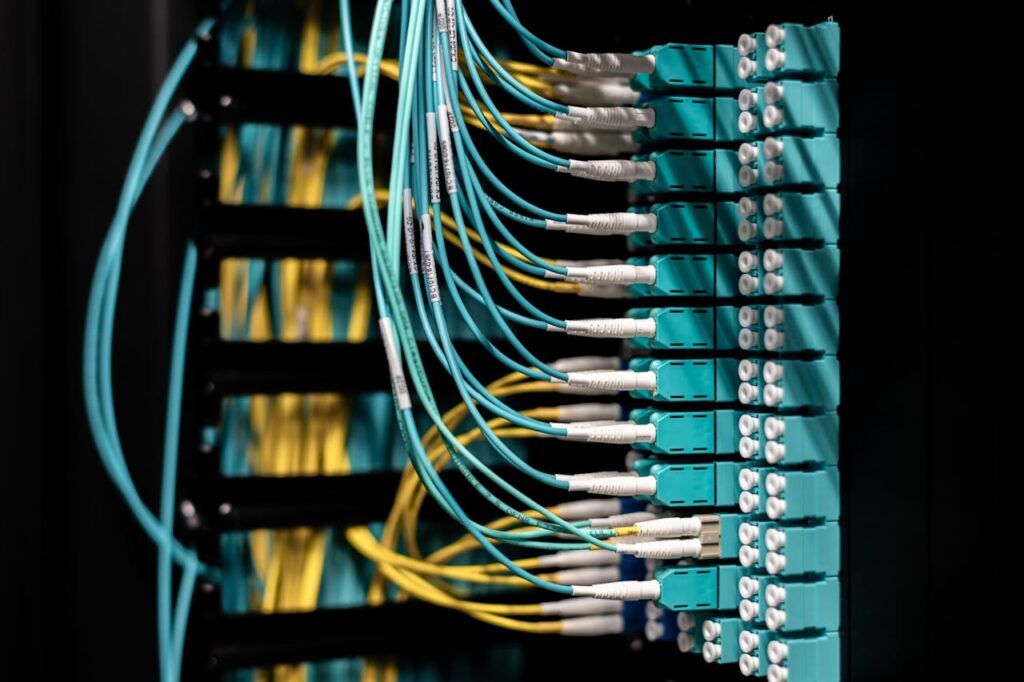
Good cable routing reduces more than visual clutter. It directly reduces tripping hazards, accidental unplugging, and strain on connectors. A workstation with loose cords near chair wheels or that has a lot of foot traffic will ultimately create problems over time.
Heat is another critical reason you should be organizing cables. This is especially important around power supplies, docking stations, and AV gear. Tangled up cords trap dust and restrict airflow. This raises the operating temperature and shortens the life of adapters, switches, and small transformers.
Maintenance also becomes faster when every run has a visible path and logical destination. In an office setting, a labeled monitor cable and a separated power lead are essential. They can turn a 20 minute troubleshooting session into a 2 minute fix.
The life of a cable depends on physics, not just neatness. Repeated abrasion against desk edges, and tight bends behind furniture can break conductors internally long before insulation looks damaged.
In larger setups, a vertical cable manager keeps rack sides clear. They prevent hanging loops from blocking access to a patch panel or power distribution hardware. The practical value is cumulative: safer floors, cooler equipment, and fewer hidden failures.
The Three Pillars of Effective Cable Management
Organization means assigning a route for each cable type instead of having cords compete for the same space. Separating power from data is cleaner and it reduces confusion and makes future changes less disruptive.
Protection means preserving bend radius, adding strain relief, and shielding HDMI cables and more from sharp edges. A cable that survives installation but fails six months later usually failed because of ignored mechanical stress.
Anyone should be able to identify, remove, or replace a line without dismantling the whole bundle of wires. Cable labeling, accessible pathways, and small service loops create a system that can evolve without becoming a knot again.
Assess Your Setup Before You Buy Anything
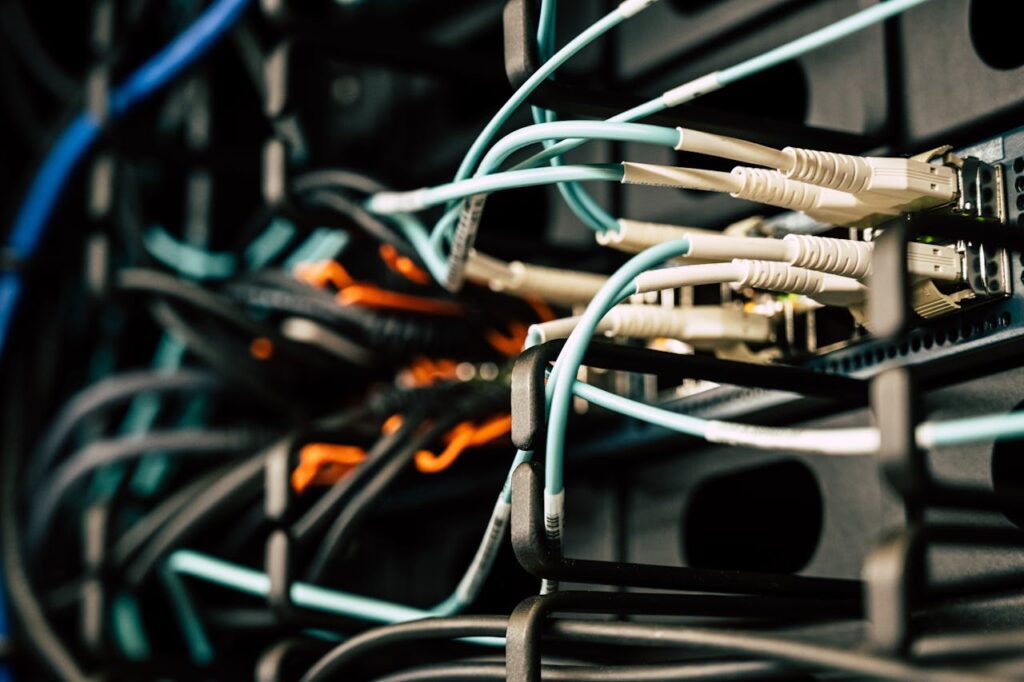
Most people buy a cable organizer box, cable clips, or cable sleeves before they even know how many cables they have. A better method is to inventory each device and note each cable type. This includes power cords, HDMI, USB-C, and DisplayPort cables. It also includes any Ethernet cable that needs to reach a switch, router, or wall jack.
Physical constraints matter too. A standing desk needs slack for travel. A wall-mounted TV requires a direct power connection. A shallow cabinet may not leave room for thick screw mounts or oversized power bricks.
Define what success looks like before selecting hardware. Some users want to achieve near-total concealment. Others want open access for testing, swapping peripherals, or moving laptops between stations.
Quick Checklist: What to Measure and Note
Measure desk thickness, underside clearance, leg placement, and the distance from the rear edge to any crossbar. These measurements determine whether an under-desk tray will fit without colliding with mounts, drawers, or sit-stand mechanisms.
Record outlet locations, cord lengths, and the dimensions of each surge protector or adapter cluster. This prevents bad workarounds like extension chains. It also helps plan power strip concealment without creating heat buildup. Replacing one form of cord clutter with another is not the goal.
For entertainment areas, note the vertical drop from screen to outlet. You should note whether a TV cord cover needs to extend over baseboards, around corners, or into media furniture. Small obstacles will often decide whether a raceway will look intentional or improvised.
Safety and Compliance Considerations
Power distribution deserves stricter rules than data routing because overloads and damaged insulation create real fire risk. Avoid daisy-chaining power strips, and keep high-draw devices on appropriate circuits. Avoid trapping hot adapters inside sealed boxes without ventilation.
Wall routing requires the right materials and methods. If a cable must go inside a wall, use in-wall rated products where code requires them. Loose consumer cords hidden in drywall can create a hazard and violate local electrical standards.
Choose the Right Cable Management Solution
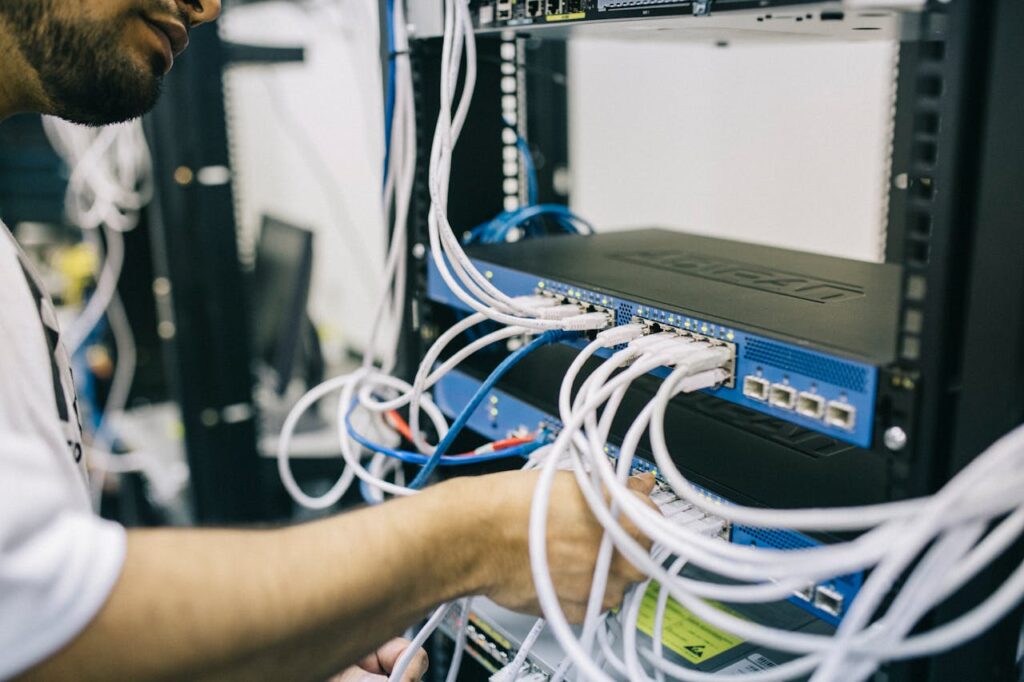
The right product depends on the problem you are solving. Cable concealment works for visible wall runs, while cable bundling works for grouped desk leads. Strain relief is best where cable weight pulls on connectors.
In workstations, classrooms, labs, and shared offices, flexibility should be a priority. Systems that change often benefit from open channels, reusable fasteners, and pathways with spare capacity.
Your mounting method will determine your setup’s long-term usability. Adhesive raceways install quickly on finished walls. Screw-mounted trays usually hold more weight and survive repeated cable additions.
Desk and Under-Desk Solutions
An under-desk cable tray is the most effective starting point for a desk setup. It lifts power strips, bricks, and any excess slack off the floor. This single adjustment improves cleaning access, reduces snagging, and gives every cable a shared backbone.
A cable grommet creates a controlled entry and exit point through the desktop. This prevents cords from draping over edges or pulling across the work surface.
Wall and TV Routing Solutions
Wall runs benefit from raceways that match the room and remain accessible. Paintable channels hide cords cleanly. J Channel cable raceway systems are best in areas where devices are changed out often.
Server Rack and Network Closet Solutions
In a rackmount server environment, routing discipline affects uptime because blocked access and strained patch cords slow every move. A cable manager should support the expected density, connector type, and service pattern.
A horizontal cable manager keeps front-of-rack patching aligned across the width of the cabinet. Near a patch panel, a patch cable organizer helps with strain relief. It guides jumpers so that ports remain readable and removable without disturbing adjacent links.
Vertical channels matter because side pathways carry trunk runs and preserve access to switches, UPS units, and rails. In network closets, the best result is not the tightest bundle but the cleanest path to service.
Upgrade Your Cable Management With WaTech
If your business or office could benefit from better cable organization for safety or efficiency, WaTech in Auburn Hills, Michigan can support your every need. Whether you’re moving into a new space and want to get organized, or you’re tired of a dusty, cable mess, we can provide the right setup for you. To get started, send us a message and tell us about your business needs!
FAQs
Start your cable management with an under-desk cable tray for the power strip and power bricks. Add reusable hook-and-loop ties for bundles. Use clips or a magnetic cable holder for charging cables you’re using daily.
Use a paintable wall cable raceway or cord cover to route the cables in a straight path to the outlet. Create access points near your TV and media console. This makes it so future device changes do not require removing the whole run.
A patch cable organizer guides and relieves strain on patch cords near a patch panel. A plastic horizontal cable manager is a broader routing channel. It allows for multiple cables to stay aligned across the width of the rack.
Hook-and-loop ties are better for setups that change often because they are reusable and gentler on cable jackets. Zip ties are useful for semi-permanent runs. However, you should tighten them lightly to avoid damage.
Use a cable spine or flexible conduit from the underside of the desk to the floor. Keep a service loop for movement and mount the power strip under the desktop so height changes do not tug on plugs.