
Does managing your tech feel like a constant headache? Many small businesses struggle with IT issues that slow them down. Managed IT services for small businesses provide you with 24/7 help desk support. This will keep your systems running smoothly and reliably.
If you’re looking to invest in outsourced IT to give you peace of mind and a better ROI, keep reading. We’ll share how managed networks and infrastructure can save you time and money as you grow your business.
Key Takeaways
- Managed IT services offer small businesses tech support that can reduce downtime. It can also boost productivity by solving issues quickly.
- These services often include network monitoring, data backups, cybersecurity protection like firewalls, and phishing prevention.
- Businesses save money with a Managed Service Provider (MSP). They also benefit from predictable monthly costs instead of unexpected repair fees or hiring in-house IT teams.
- Providers improve business operations and security with multi-factor authentication (MFA), disaster recovery plans, and threat detection systems.
- Choose a provider with certifications (e.g., CompTIA, Microsoft), cloud expertise, clear SLAs, and strong backup solutions for reliable service.
What Are Managed IT Services for Small Businesses?

Managed IT services provide ongoing tech support and management. They handle your systems, networks, and devices to keep them running smoothly. Instead of fixing problems after they occur, these services focus on preventing issues from the start.
A managed service provider takes care of tasks like network monitoring, patch management, endpoint protection, and backup solutions.
You don’t need an in-house IT team with this approach. An MSP offers help desk support, remote troubleshooting, and even on-site assistance when needed. They detect threats early with firewalls, VPNs, phishing protection tools, spam filtering programs for email safety, and cybersecurity services.
With this type of proactive care from a trusted partner, reducing downtime risks becomes more achievable. It also can improve operational efficiency and save time too!
Key Benefits of Managed IT Support for Small Businesses
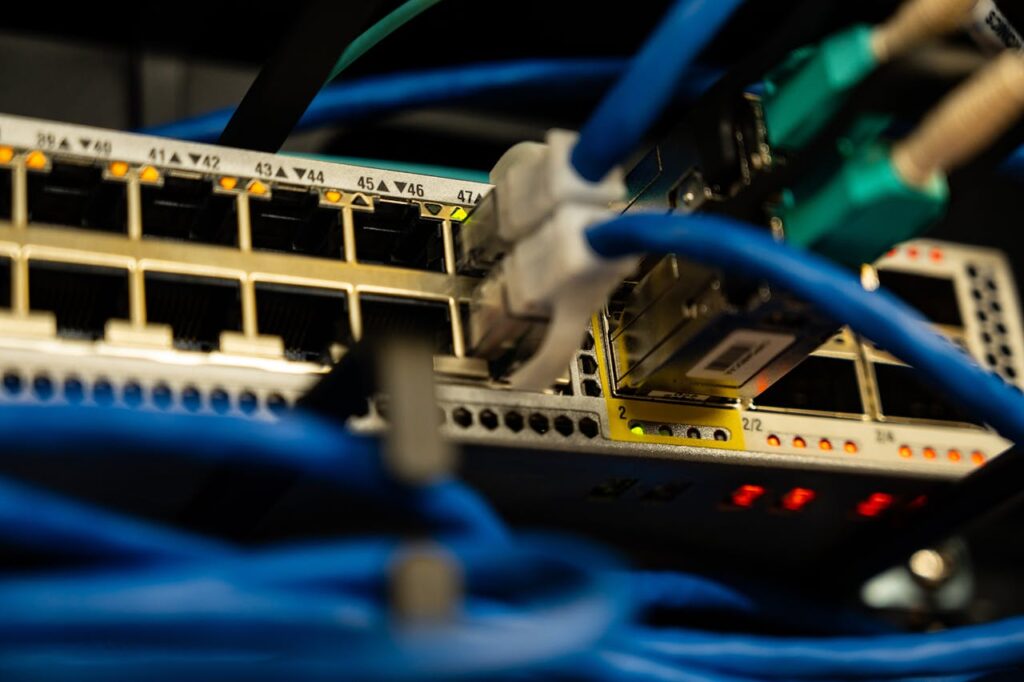
Having 24/7 IT support can keep your business running smoothly. It allows you to access reliable help at any time and protects your systems from risks. Here are some of the benefits:
- Solve problems fast: Around-the-clock IT support ensures real time response to day to day technical issues. This minimizes downtime and keeps your operations running.
- Boosts security: Continuous monitoring helps detect threats like malware or hacking attempts early. This includes features like managed security, firewall management, and email security.
- Increase productivity: Employees can get IT help immediately through remote support or on-site support. This prevents delays caused by tech troubles with your systems and devices.
- Protect data with backups: Backup and disaster recovery plans safeguard important files. They also ensure business continuity after unexpected failures.
- Save money over time: A flat rate managed IT service model provides predictable monthly costs.
- Improve uptime reliability: Network management, server management, and systems management ensure smooth performance with fewer interruptions.
- Stay compliant: Many providers help you meet standards like SOC 2 or manage risk assessments to avoid penalties.
- Plan smarter with expert advice: Strategic IT consulting services offer an IT roadmap aligned with your goals.
- Enhance user access controls: Tools like multi-factor authentication and single sign-on solutions protect your identity. They also protect access management processes from breaches.
- Gain peace of mind: Enjoy 24/7 monitoring of endpoints and managed networks. You’re covered even outside regular hours for top security and performance.
How to Choose the Right Managed IT Services Provider

Choosing the right managed IT services provider can transform your business. Look for expertise, reliability, and value. Here are some key things to watch for:
- Check experience and certifications. Look for providers with credentials like CompTIA, Cisco, or Microsoft certifications. These show proven skills in IT management.
- Evaluate their SLA. Review the Service Level Agreement for response time and escalation path. Ensure they guarantee quick support when you need it most.
- Ask about 24/7 support. Confirm they offer round-the-clock assistance to handle issues anytime, including holidays.
- Assess cybersecurity measures. Ensure they provide threat detection, incident response, vulnerability management, and least privilege setups.
- Inquire about pricing models. Predictable monthly options like flat-rate managed IT services help you budget better compared to per-user pricing models.
- Verify cloud expertise. See if they support cloud migrations, infrastructure management, and tools like Microsoft 365 as a certified Microsoft Partner.
- Request references and case studies. Check their client retention rate or ask about businesses similar to yours they’ve helped before.
- Examine strategic planning capabilities. The right choice should help with asset inventory and system documentation while offering quarterly business reviews to improve processes.
- Ensure data backup plans are solid with clear RPO (recovery point objective) and RTO.
Secure Your Business With WaTech
Managed IT services can provide you with the expert support that will transform your small business. You’ll benefit from reliable help for issues like workstation management, cybersecurity, and device onboarding. With predictable monthly pricing or per-device plans, you’ll also avoid unexpected costs.
Partnering with experts like WaTech in Auburn Hills, Michigan ensures that your tech stays secure and efficient. This means less stress for you and more time to grow your business. Send us a message today to learn more about how we can help you thrive!
FAQs
Most plans include an IT assessment, monitoring, help desk support, cybersecurity, patching, backups, and vendor coordination. The exact scope depends on your users, devices, compliance needs, and internal resources.
Companies often base pricing on users, devices, locations, and service scope. Predictable monthly pricing works better than hourly break-fix model billing when you need ongoing support and security coverage.
Many providers can begin assessment and planning quickly after an initial call. Full onboarding timelines depend on environment size, documentation quality, and tool deployment requirements.
Not always. An MSP can fully replace a small internal team. It can also support in-house IT with specialized tools, escalation coverage, and strategic guidance.
Yes, but most issues are resolved remotely faster and at lower cost. On-site visits are typically used for network hardware, cabling coordination, and physical workstation or server tasks.
Yes, within the limits of your environment and industry requirements. Support may include patching, MFA rollout, email security, access controls, reporting, and documentation that improves audit readiness.