

Recurring outages, slow tech support, unmanaged devices, and unexpected technology expenses can disrupt work while simultaneously exposing sensitive information to malware. By investing in managed IT services, Rochester Hills businesses can replace reactive repairs with structured oversight. This guide will review essential services, risk assessment, provider selection, and implementation priorities of local managed IT services.
Key Takeaways
- Managed IT makes business technology more reliable, secure, documented, and financially predictable.
- A capable provider addresses avoidable weaknesses before they interrupt employees or customers. They also maintain a clear process for issues that cannot be prevented.
- Start with a documented risk assessment followed by priorities that align to your core business operations. This sequence directs limited resources toward systems whose failure would cause the greatest harm.
Why Rochester Hills Businesses Turn to Managed IT

Managed IT replaces recurring emergency repairs with continuous monitoring, patching, documentation, IT support, and technology budgeting. This operating model helps Oakland County organizations support customers, hybrid employees, and regulated data. It also prevents every company from having to maintain an in-house technology department.
WaTech’s has nearly 30 years of experience partnering with Michigan businesses. This combined with high client retention, illustrates why consistency matters. Local, in-house expert tech support with instant access via live helpdesk gives employees a defined route to assistance.
Local Conditions That Shape IT Needs
The Rochester Hills, Auburn Hills, and Troy business corridor includes professional offices, manufacturers, healthcare organizations, and distributed teams with different availability requirements. Offices near M-59, I-75, Oakland University, and The Village of Rochester Hills should also evaluate their onsite access. Travel coverage and response procedures should also be checked in case an outage occurs.
What Managed IT Services Should Include
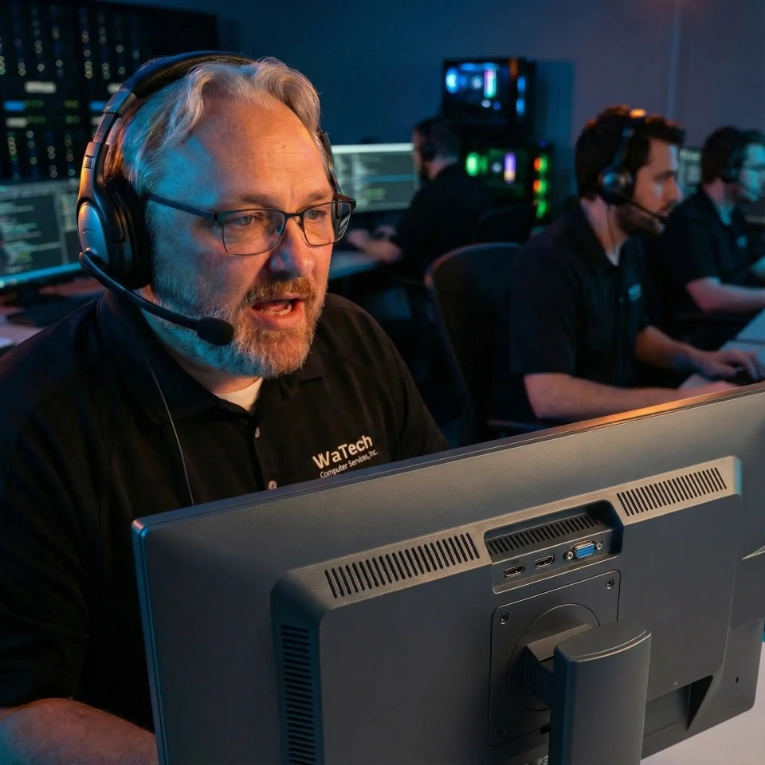
A managed service agreement typically combines helpdesk service, proactive monitoring, endpoint management, network maintenance, digital security, backups, and strategic guidance. Unlike break-fix IT, which responds after failure, proactive IT support solves tech and networking problems before they happen. For example, whenever monitoring and maintenance reveal preventable conditions.
Scope should reflect all users, devices, locations, cloud applications, and compliance obligations. Comprehensive outsourced IT services may also include managed IT, VoIP phone service, structured cabling, and white label IT solutions.
The Proactive Support Baseline
A sound baseline includes alert response, patch management, hardware and software inventories, configuration records, and scheduled technology reviews. Prevention reduces avoidable disruption, although no monitoring platform can eliminate issues completely. Hardware failure, human error, and malicious attacks can still happen after enhancing security.
Security and Recovery Controls
Baseline controls include email filtering, multi-factor logins endpoint protection, employee awareness, encrypted backups, and tested disaster recovery procedures. WaTech’s Alpha Guard offers an educational example of centrally managed endpoint monitoring. It also provides patching and protection through one administrative view.
HIPAA and PCI obligations may require documented safeguards, retained evidence, and recovery testing. This is essential because an organization must often demonstrate that controls operated consistently.
How to Assess Your Current IT Risks

Begin with an inventory of users, endpoints, network equipment, cloud accounts, phone systems, vendors, and critical data. Then identify phishing exposure, unsupported hardware, poor Wi-Fi, failed backups, access gaps, and unclear vendor responsibilities. Rank each weakness by impact, likelihood, and required recovery time.
Questions to Ask Internally
Can employees access essential systems during an outage? Can administrators restore critical files? These are important to know.
Leaders should also know renewal dates, annual technology costs, security responsibilities, and the accountable owner for every critical system.
How to Compare Managed IT Providers in Michigan
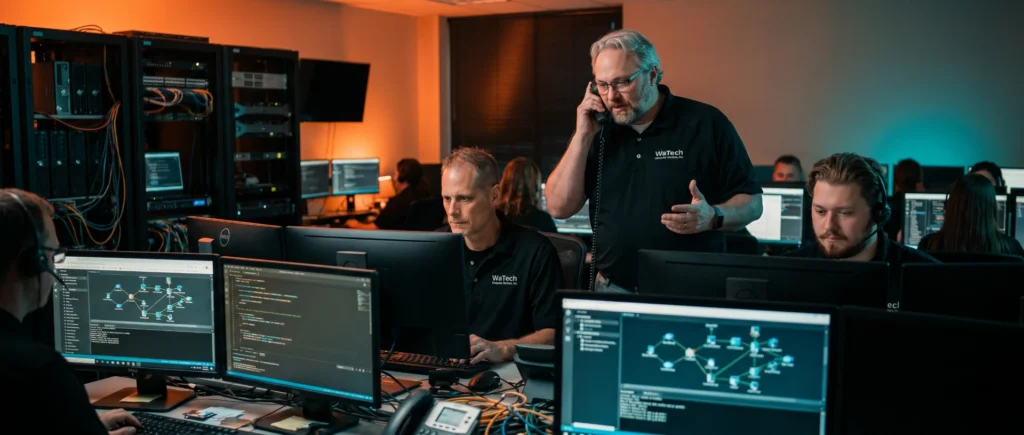
Compare service hours, response workflows, onsite coverage, escalation paths, and communication standards rather than relying on a monthly quote. Predictable monthly billing can simplify planning. Fair, usage-based billing with no hidden extras or cost sprawl may better align costs with actual consumption.
Ask how each provider documents infrastructure, manages vendors, tests backups, and reports completed security work. Clear scope and exclusions prevent usage-based billing from becoming hard to predict.
Evidence Over Promises
Request sample reports, support workflows, security assessment methods, and references from similarly sized Michigan organizations. Before signing, examine contract terms, data ownership, and offboarding procedures. Also check boundaries between internal staff, software vendors, and the service provider.
Build a Managed IT Roadmap

An effective roadmap first stabilizes urgent risks. It then standardizes devices and account access, strengthens recovery, and schedules longer-term improvements. Measure repeat tickets, patch completion, successful backup restoration, and account-related incidents to determine whether the plan improves operations.
Regular business reviews should align technology decisions with hiring, office moves, regulatory changes, and growth plans. This cadence turns IT spending into an accountable operating plan.
Use an Integrated Service Stack Carefully
Integrated email security, endpoint controls, compliance tools, private cloud hosting, and managed backups can reduce gaps between separate vendors. Alpha Mail, Alpha Host, Alpha Guard, Alpha Compliance, and Alpha Backup can place controls under one accountable operating model.
Common Managed IT Mistakes to Avoid

Don’t select a provider solely based on the lowest per-user price or a promised response-time number. Cloud software also does not automatically provide complete backup, digital security, or compliance coverage.
Delaying documentation, access reviews, replacement planning, and backup testing leaves essential assumptions unverified. Recovery capability exists only when the organization has successfully tested it.
Don't Wait Until Something Goes Wrong
Managed IT services make your business more secure, and also make your professional life easier. Investing in local, in-house expert tech support will keep your data safe during a technology disruption. For local Michigan businesses, WaTech in Auburn Hills is that expert. Reach out today to learn how managed IT services can help your business grow safely and securely.
FAQs
Managed IT services provide ongoing technology management and data protection for a recurring fee. A managed service provider typically covers day to day remote monitoring, helpdesk support, patching, backups, and technology planning.
Compare service scope, support procedures, managed security practices, local coverage, reporting, contract terms, relevant experience, and track record. The provider should also explain exclusions, escalation paths, and compliance responsibilities clearly.
Break-fix support responds after equipment or software fails. Managed IT adds continuous monitoring and maintenance intended for threat detection and correct preventable problems before operations suffer.
Most small businesses need baseline protection. This is because phishing, stolen credentials, unpatched devices, and data loss affect organizations of every size. Appropriate controls should reflect the company’s data, exposure, and regulatory requirements.