
When your network stops working, a ticket confirmation will not get your team back online. Fast MSP response times help you maintain business continuity, by quickly moving from acknowledgment to action.
Your managed service provider (MSP) should distinguish first response time from incident response time. It should explain its service level agreement response times and SLA resolution times.
WaTech combines local, in-house expertise with proactive support for growing Michigan businesses. Keep reading to learn how a quick response time can keep your business ahead of the curve.
Key Takeaways
Fast MSP response times lower downtime and protect your Michigan business’s revenue and reputation.
Set clear SLA response times targets, such as resolving P1 incidents in under 30 minutes, to speed up IT support.
Use ticketing software and monitoring tools for faster issue tracking and alerts.
Regularly measure response times and share the results with your team for accountability.
Train staff on escalation paths so technical issues move quickly to the right expert or partner.
Know What Happens After You Ask for Help

A fast acknowledgment is not active troubleshooting or a working resolution. Ask each provider how each service ticket moves through diagnosis, escalation procedures, and updates while downtime continues.
For tickets not responded to within first 24 hours, ask who investigates the delay and contacts your team. WaTech provides local, in-house support designed to address technology and networking problems before they interrupt work.
Four Support Milestones to Compare
Initial acknowledgment: Confirmation that your request arrived.
Active troubleshooting: A technician begins diagnosis and gathers details.
Escalation: The issue reaches the appropriate technical resource.
Resolution or plan: You receive next steps and a path to restore service.
Get Support Aligned to the Impact on Your Business

A company-wide outage, security concern, and access request need different priorities. Before signing, discuss response times, update and resolution plans, phone response targets, and staffing for urgent work.
When an Outage Cannot Wait
Ask how network outages, phone disruptions, backup failures, critical application issues, and security threats receive priority. Ransomware activity or suspicious logins need a clear reporting and escalation path, including who updates your team and when.
When a Request Can Be Scheduled
User changes, device setup, and adjustments to non-business-critical systems may be scheduled. Ask how urgent work stays visible amid a higher ticket volume during peak demand, or a buildup of issues.
Routine requests still need ownership and response quality. Operational delays can cause user frustration and productivity loss.
Choose Coverage That Fits How Your Team Works

Support commitments should align with your working hours, locations, systems, and customer obligations. In customer-facing or time-sensitive environments, after-hours disruption can mean missed orders or lost billable hours.
WaTech offers round-the-clock live helpdesk access and proactive managed IT support. Confirm how coverage translates into contractual targets for your particular incidents.
Questions to Ask About Availability
Which channels are available: phone, portal, or chat?
Which incidents receive attention outside normal business hours?
Who owns escalation involving cloud applications, internet providers, hardware performance, or security tools?
How do documentation systems support help desk coordination across shifts?
Knowing who owns each issue helps your employees avoid repeating the same explanation whenever another technician becomes involved.
Look Beyond Fast Replies to Reliable Outcomes

Auto-generated replies confirm receipt, not assessment by a qualified person. Ask to see response time benchmarks tracked and reported by priority, channel, and business impact.
A review should cover human response time by priority levels, repeat issues, ticket backlog, and escalations. A client health scorecard can bring these measures together with client satisfaction and client retention.
Support Quality Protects Productivity
Useful updates help your team plan around disruption and potential lost revenue. Proactive monitoring can identify abnormal network behavior, hardware concerns, and backup issues. This can happen before they become urgent tickets or missed deadlines.
Check whether reporting counts elapsed hours or business days, so performance comparisons reflect the coverage you are buying.
Work With a Michigan IT Partner Built for Accountability
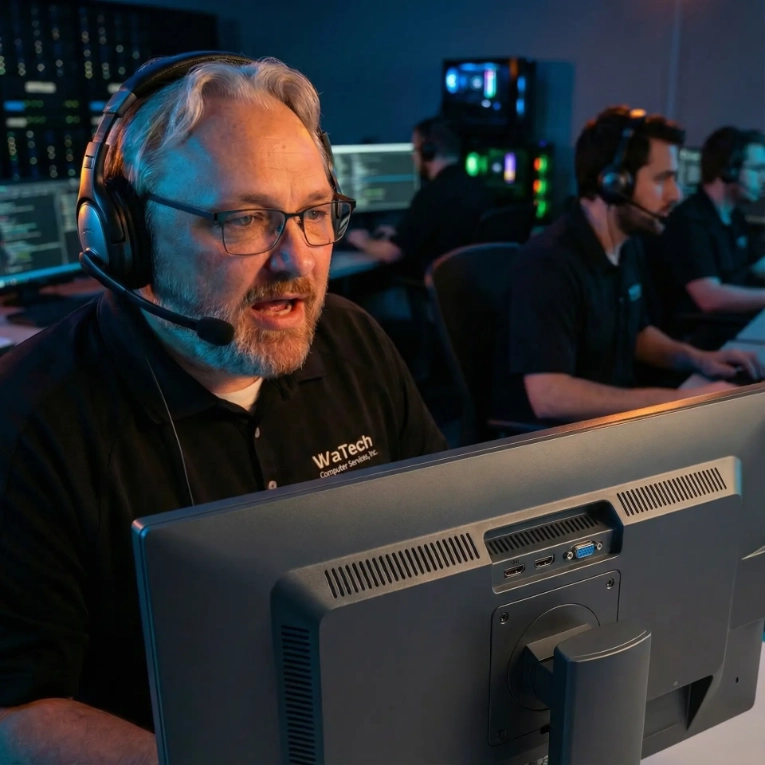
Since 1997, WaTech has supported businesses with managed IT, cybersecurity, Voice over Internet Protocol phone service, and structured cabling. Local, in-house expertise creates a direct support relationship instead of an outsourced handoff.
Fair, usage-based billing provides cost visibility without hidden extras or cost sprawl. Discuss how your monthly service charge relates to the support your team needs.
WaTech can support your internal IT team or operate as your full-service IT department, adding capacity as your business grows. Bring dependencies such as enterprise resource planning (ERP) platforms into that conversation so responsibilities are clear.
Clear ownership also helps reduce internal workarounds that leave recurring technology problems unresolved.
Start With a Support Commitment Review
MSP response times are crucial for your Michigan business. Quick help means your business has less downtime and more productivity. Keep open lines of communication with your managed service provider. Set clear expectations around timing and priorities.
With these steps, you can ensure smooth operations every day. Book a free discovery call with our team at WaTech Computer Services to get started.
FAQs
1. What Should an MSP Response Time Include Besides a Promise to Reply?
Look for separate commitments covering acknowledgment, active troubleshooting, escalation, and target resolution. Each should identify severity levels and whether its clock runs during business hours, after hours, or continuously.
2. How Do MSP Response Times Differ for an Outage vs a Routine Support Request?
A business-wide outage or critical security incident should receive a faster acknowledgment and escalation than a routine software question or access change. Check the provider’s severity definitions, coverage hours, and contractual SLA targets to understand how the provider handles each situation.
3. What Should I Ask an MSP About Guaranteed Response-Time Commitments Before Signing?
Request acknowledgment, troubleshooting-start, escalation, and resolution targets for each severity level, plus the hours they apply. Confirm where the agreement lists those commitments and how it measures performance.